
Thunder TV: What It Is, Apps, Firestick Setup, and Safety Guide
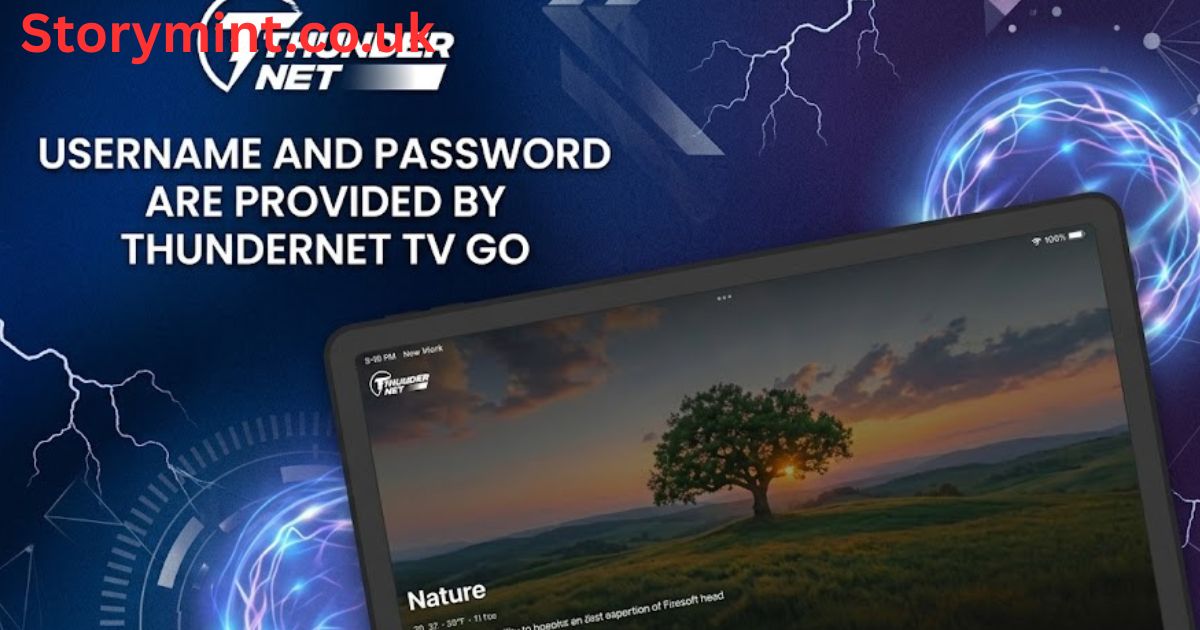
Searching for Thunder TV can be confusing because the name does not identify one universal television service. Current results include a mobile platform for Thunder Internet customers, Thundernet TV GO, Fire TV–focused subscription offers, and a student news channel. Some are telecom benefits, while others are independent streaming products or media brands. Before downloading anything or paying for access, identify the company, country, official website, and exact app listing connected to the result.
This distinction matters for U.S. users because identical or similar names do not guarantee shared ownership, channel access, pricing, or customer support. An app available in an American app store may still require an account from a provider operating in another country. Likewise, a seller advertising service for Firestick may be unrelated to the mobile app found on Google Play. Treat each listing as a separate product until its developer and subscription terms clearly match.
Main Apps and Services Using the Thunder TV Name
The Google Play listing for Thunder TV describes a platform made exclusively for Thunder Internet customers and names Uni Telecomunicações LTDA as the developer. The provider’s Brazilian website also promotes television bundles with channels, movies, series, and video on demand. This version is therefore tied to a specific internet company rather than being a general U.S. streaming app that anyone can download, open, and use without an eligible provider account.
Thundernet TV GO is another distinct service. Its official site describes live channels, on-demand programming, multi-device access, simultaneous screens, and replay features for Thundernet subscribers. It lists support for browsers, mobile devices, smart TVs, Roku, Android TV, and Amazon Fire TV. Separately, J.C. Bermudez Doral Senior High uses a similarly named YouTube channel for weekly school news, showing why searchers must check the publisher before assuming every result is a commercial television platform.
How to Find the Correct Thunder TV App
Start with the provider that issued your subscription or login. Follow the download link on that company’s official website, then compare the developer name, app icon, package name, supported region, and recent update information with the store listing. The Thunder Internet Android listing, for example, identifies its customer requirement directly. Thundernet TV GO has separate official listings and setup resources, so credentials for one product should not be expected to work with another.
Avoid choosing an app solely because its title or logo looks familiar. Search results can include unofficial APK mirrors, reseller pages, videos, and similarly branded IPTV packages. Prefer the Google Play Store, Apple App Store, Amazon Appstore, or a provider page that links directly to a verified listing. On Android, leave Google Play Protect enabled; Google says it checks installed apps and periodically scans devices for potentially harmful software.
Device Compatibility and Fire TV Setup Basics
Compatibility depends on the exact service, app version, operating system, and device model. Thundernet publishes guides for Fire TV Stick, Android TV, and Roku, while its service page lists additional viewing options. That support does not automatically apply to every similarly named Thunder TV app. Before installing, confirm the provider’s published device list, required operating-system version, available storage, account limits, and whether live channels are licensed for viewing in your location.
For Fire TV, search the Amazon Appstore first and install the provider’s verified app from the device menu. Amazon’s official instructions recommend finding apps through Fire TV search and downloading them from the store. If a seller tells you to enable unknown sources or enter a Downloader code, pause and verify the instructions directly with the service owner. Sideloading an APK bypasses some store review protections and can expose your device or account to unnecessary risk.
Subscription Access and Availability in the United States
Downloading an app does not necessarily create a working subscription. Provider-based services may require an active internet plan, an account issued in a supported territory, or activation through customer service. Channel lineups, replay windows, simultaneous streams, and premium packages can also vary. U.S. users should confirm whether the service officially supports their state, accepts their payment method, provides customer assistance in their time zone, and permits viewing while traveling before paying.
Review the full price rather than a promotional headline. Check the billing period, renewal policy, trial terms, device limit, cancellation method, refund rules, taxes, and extra charges for sports or premium channels. Save the order confirmation and cancellation instructions. Be cautious when a seller accepts only cryptocurrency, gift cards, wire transfers, or person-to-person payments. The FTC identifies unusual or hard-to-reverse payment demands as a common warning sign in scams.
Is Thunder TV Safe and Legal to Use?
The name alone cannot establish whether a particular Thunder TV service is safe or authorized. Evaluate the exact provider. A credible service should identify the operating company, publish contact and privacy information, explain billing, and distribute software through recognized stores whenever possible. Review app permissions before granting access to photos, contacts, location, microphone, or storage. A television player generally should not demand unrelated permissions without a clear, functional reason.
Legality depends on whether the provider has permission to distribute its channels, movies, sports, and pay-per-view events in your location. A huge catalog offered at an unusually low price is not proof of infringement, but it deserves careful verification. Look for transparent channel agreements, established billing, clear terms, and responsive support. Do not assume that using a VPN changes content rights or makes an unauthorized stream lawful; a VPN changes routing and privacy, not licensing.
Troubleshooting Streaming and Login Problems
If the app will not open, first confirm that you installed the correct product and are using credentials from the matching provider. Restart the streaming device and router, check for app and system updates, and test another legitimate streaming app to isolate the connection. Verify the device date and time, available storage, subscription status, regional access, and screen limit. Avoid repeated password attempts if the account may be temporarily locked.
On Fire TV, Amazon recommends restarting the device, clearing app cache or data, and reinstalling an app that crashes or fails to load. Clear cache before data because clearing data may remove saved settings and login details. For buffering, use Ethernet or stronger Wi-Fi when possible, stop large downloads, and lower stream quality temporarily. If only one channel fails, report its name, time, device model, and error message to official support.
Conclusion
Thunder TV is best understood as a shared name used by several unrelated apps, subscription services, and media channels. The right option depends on who provided your account, where the service operates, and which devices it officially supports. For the quickest answer, match the company and developer first, then review regional availability, channel details, pricing, permissions, and support before downloading or subscribing. This simple check prevents most mix-ups caused by similar search results.
For a safer setup, use the provider’s official website and a recognized app store, keep device security tools active, and avoid sending payment through methods that offer little buyer protection. Confirm content licensing and cancellation terms instead of relying on reseller claims or logos. When problems occur, basic update, restart, cache, network, and account checks usually reveal the cause. If they do not, contact the exact provider listed on your receipt or app page.
